Local by default
Clipboard data, screenshots, OCR results, snippets, and expansion rules stay on your Mac. Nothing leaves your device unless you turn on sync — and there's never any analytics or tracking.
Now available for macOS
Kopit turns your clipboard into fast, searchable working memory for Mac. Capture, record, save, expand, pin, and paste without breaking focus.


Core
macOS remembers one thing at a time. Kopit remembers all of it, keeps the useful parts organized, and gives you fast ways to put them back.
Kopit sits in the menu bar and keeps a searchable history of everything you copy — text, links, images, files, code, screenshots, recordings, and colors — with a full preview so you always know what you'll paste.
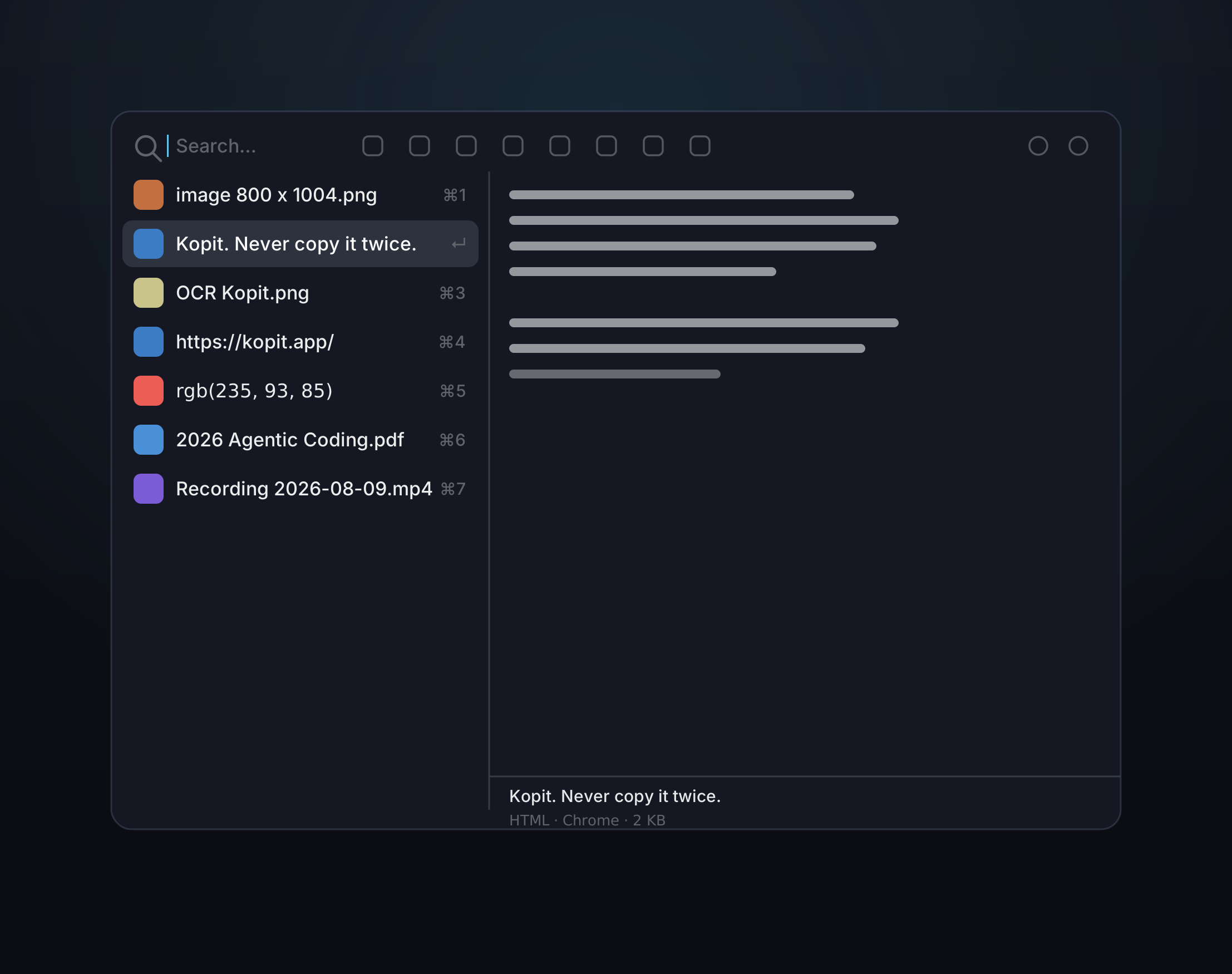
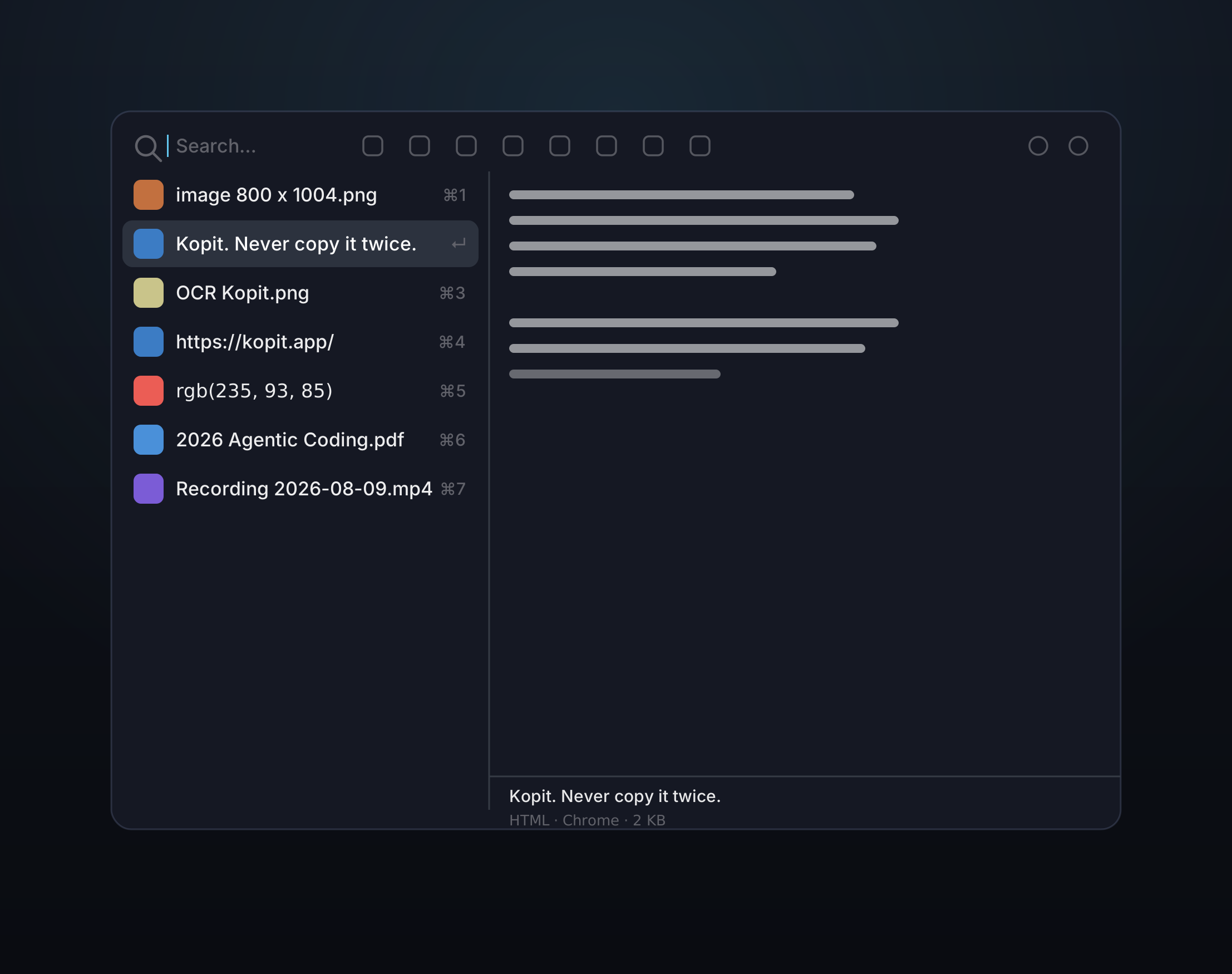
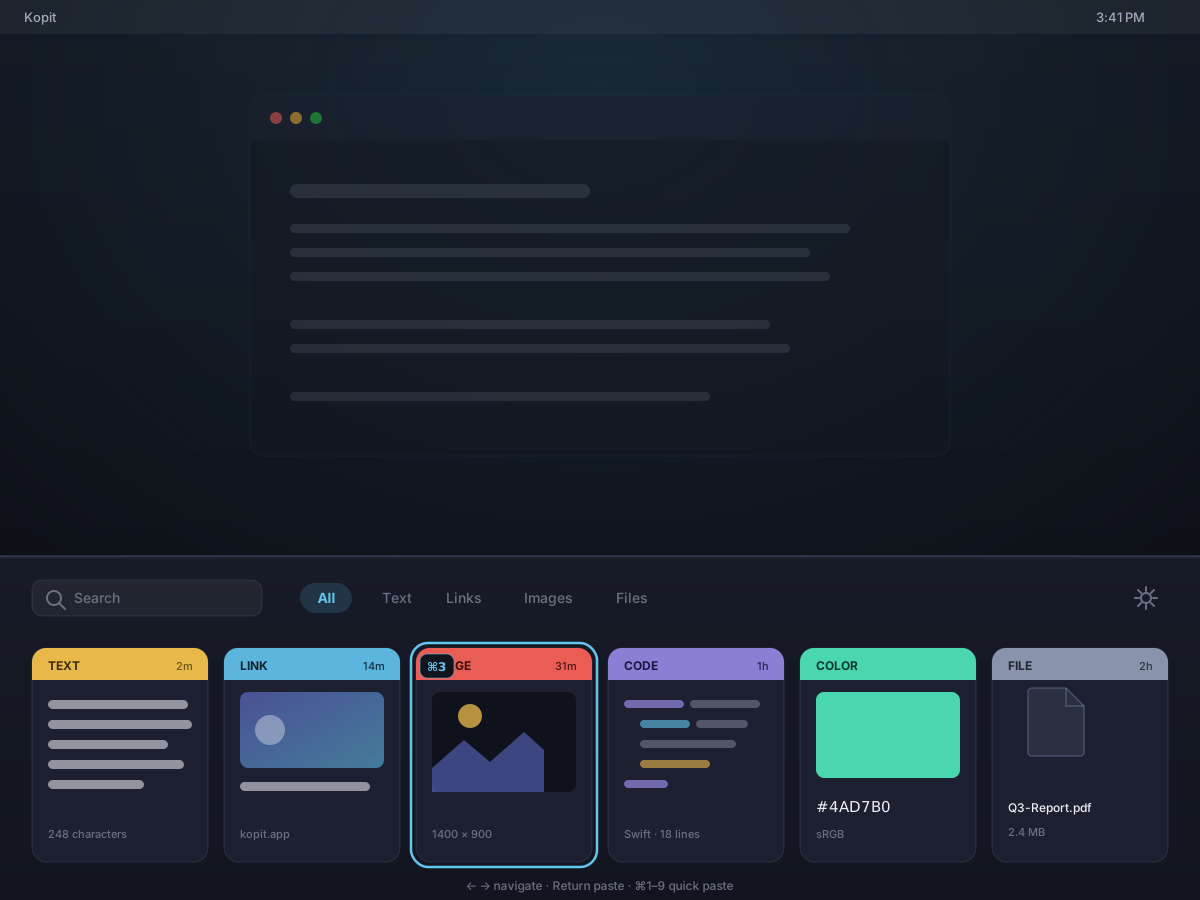
Open the panel the way that suits the moment — a floating window you can place anywhere, or a full-width bar that slides up from the bottom of the screen, Paste-style. Same search, the same category tabs, the same keyboard paste; only the shape changes.
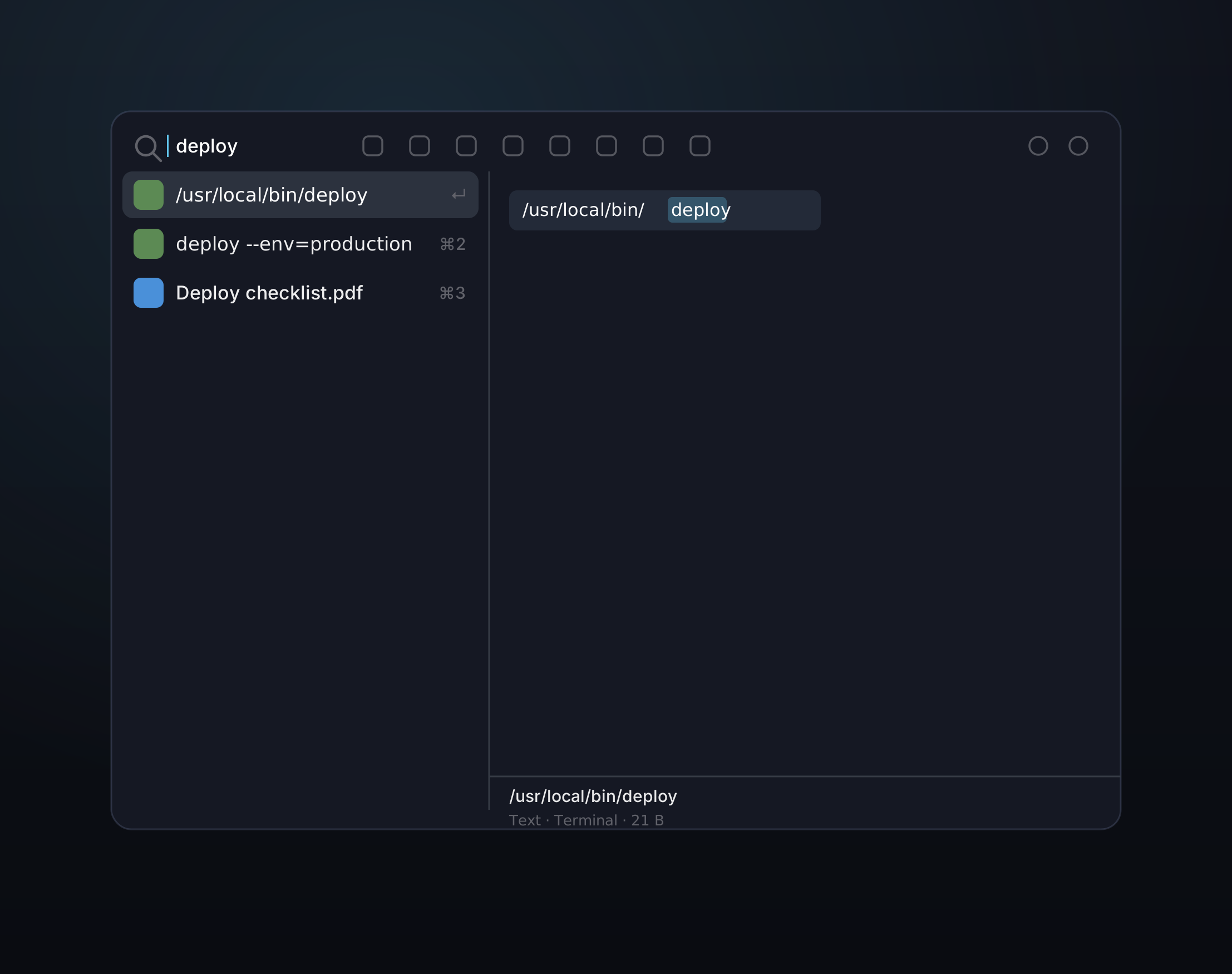
Start typing the instant the panel opens and your whole history filters in real time. Narrow it with operators, custom category tabs, or search the words inside your screenshots.
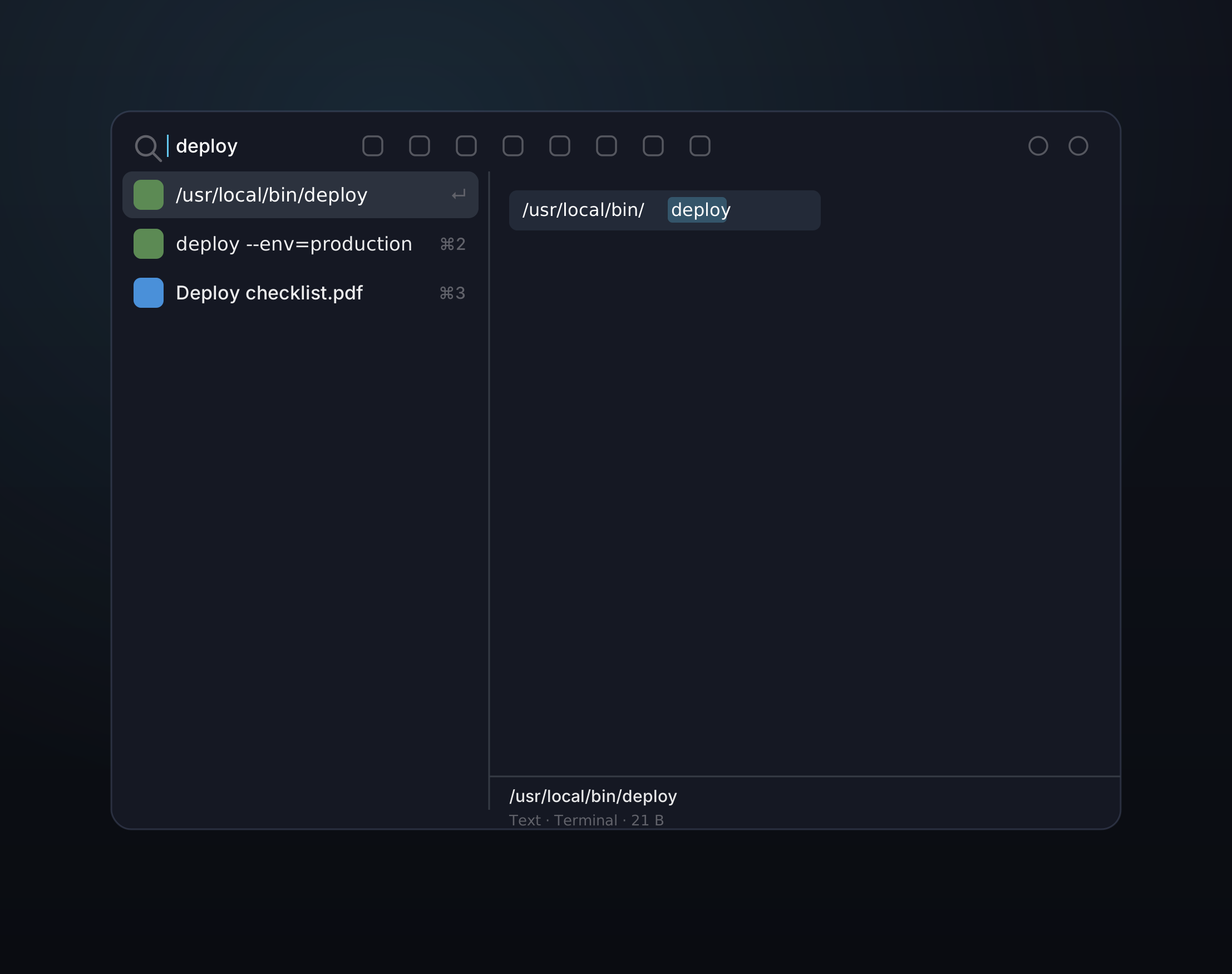
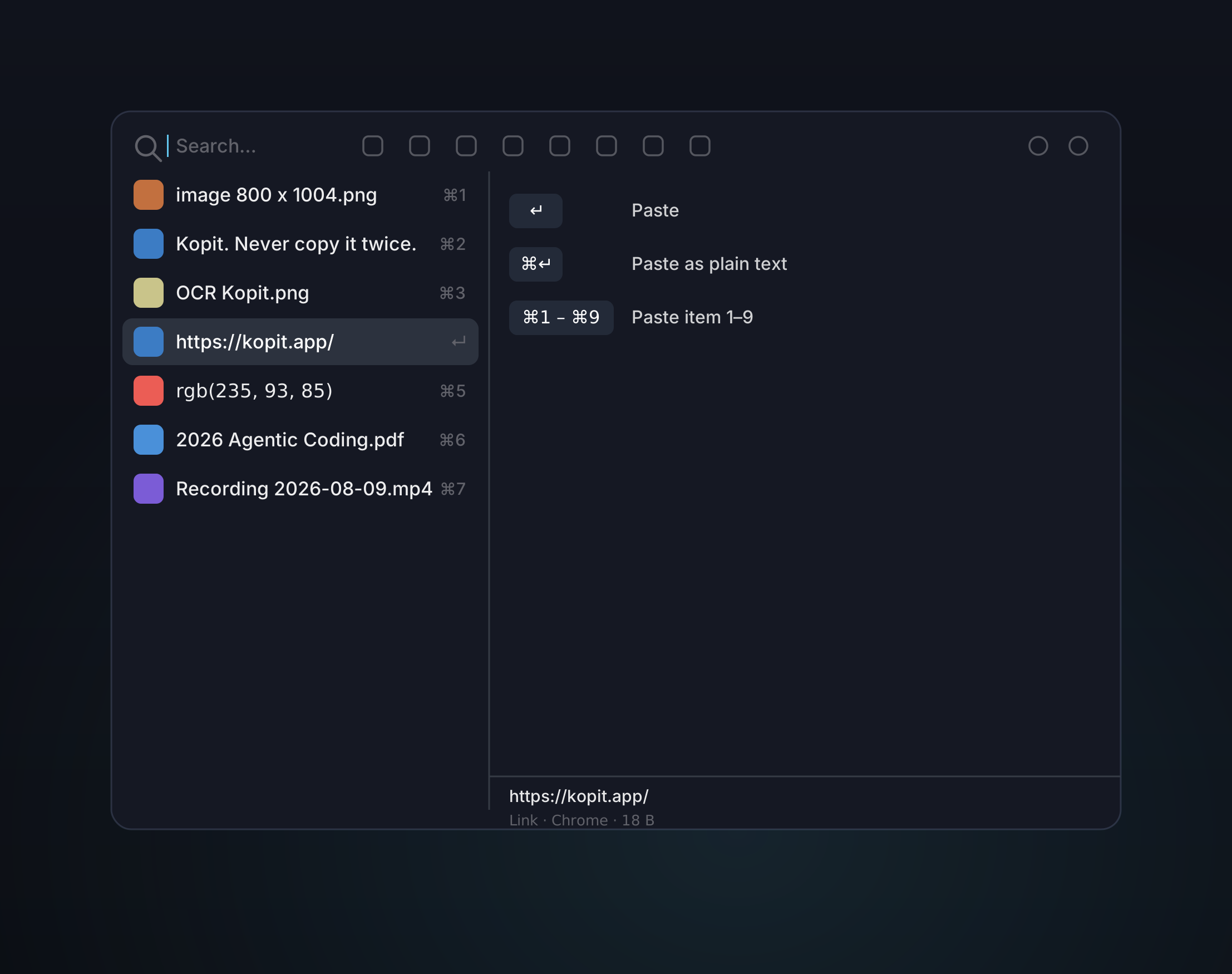
One panel, three ways to paste — keep the original formatting, strip it to plain text, or fire off a recent item by number, all without breaking focus.
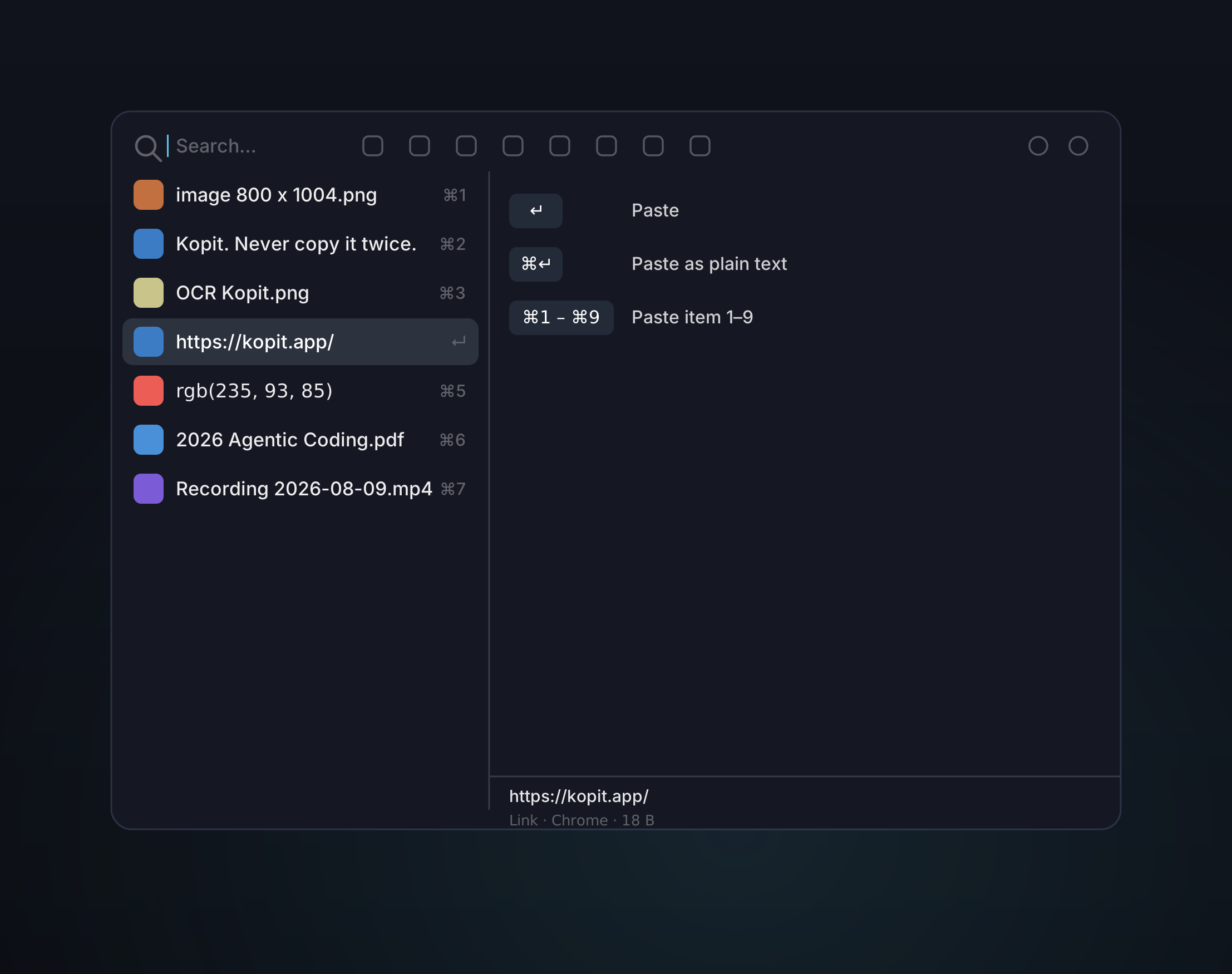
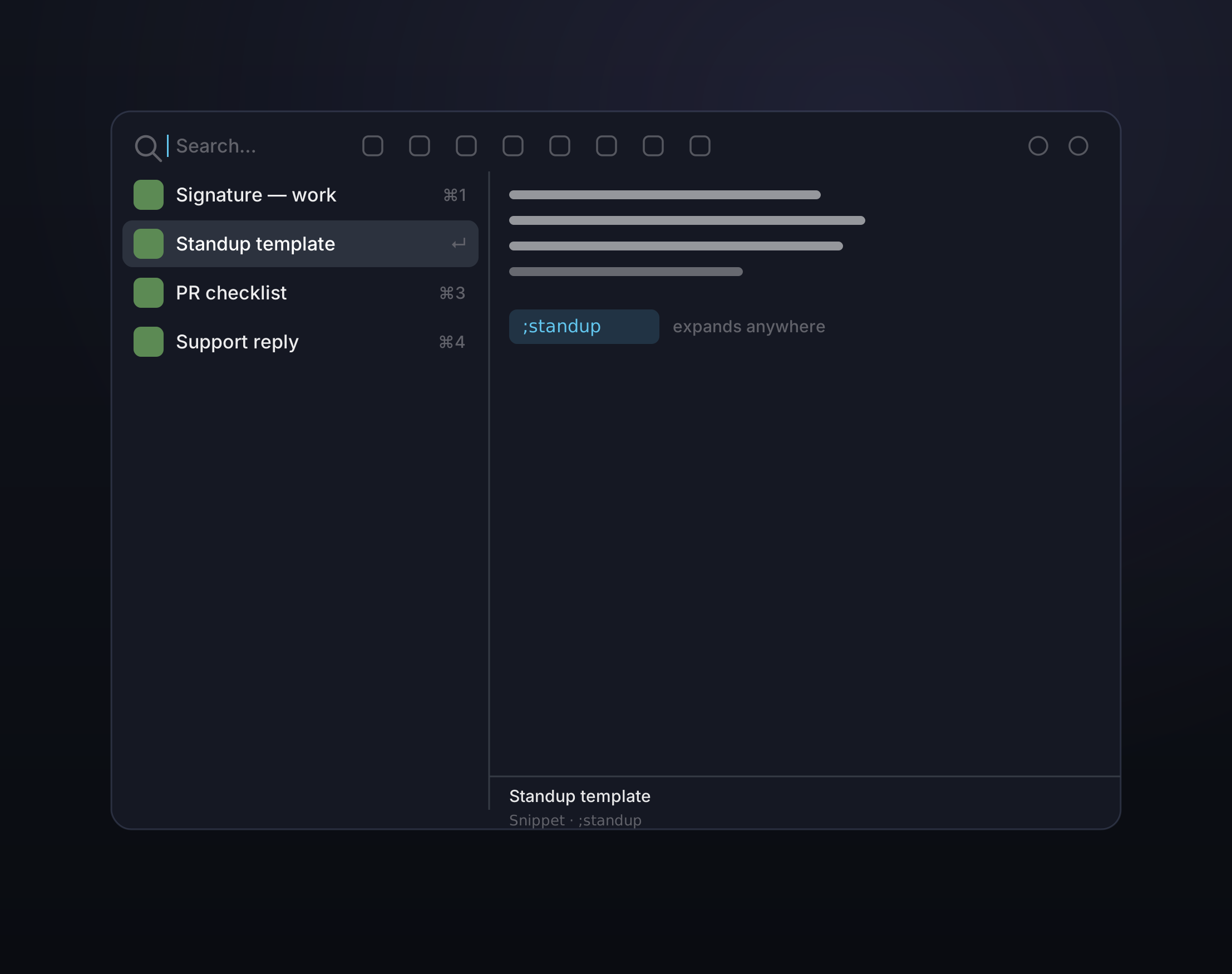
Save the replies, signatures, assets, and files you reuse. Snippets stay manually ordered, are protected from automatic cleanup, and can power text expansion anywhere on your Mac.
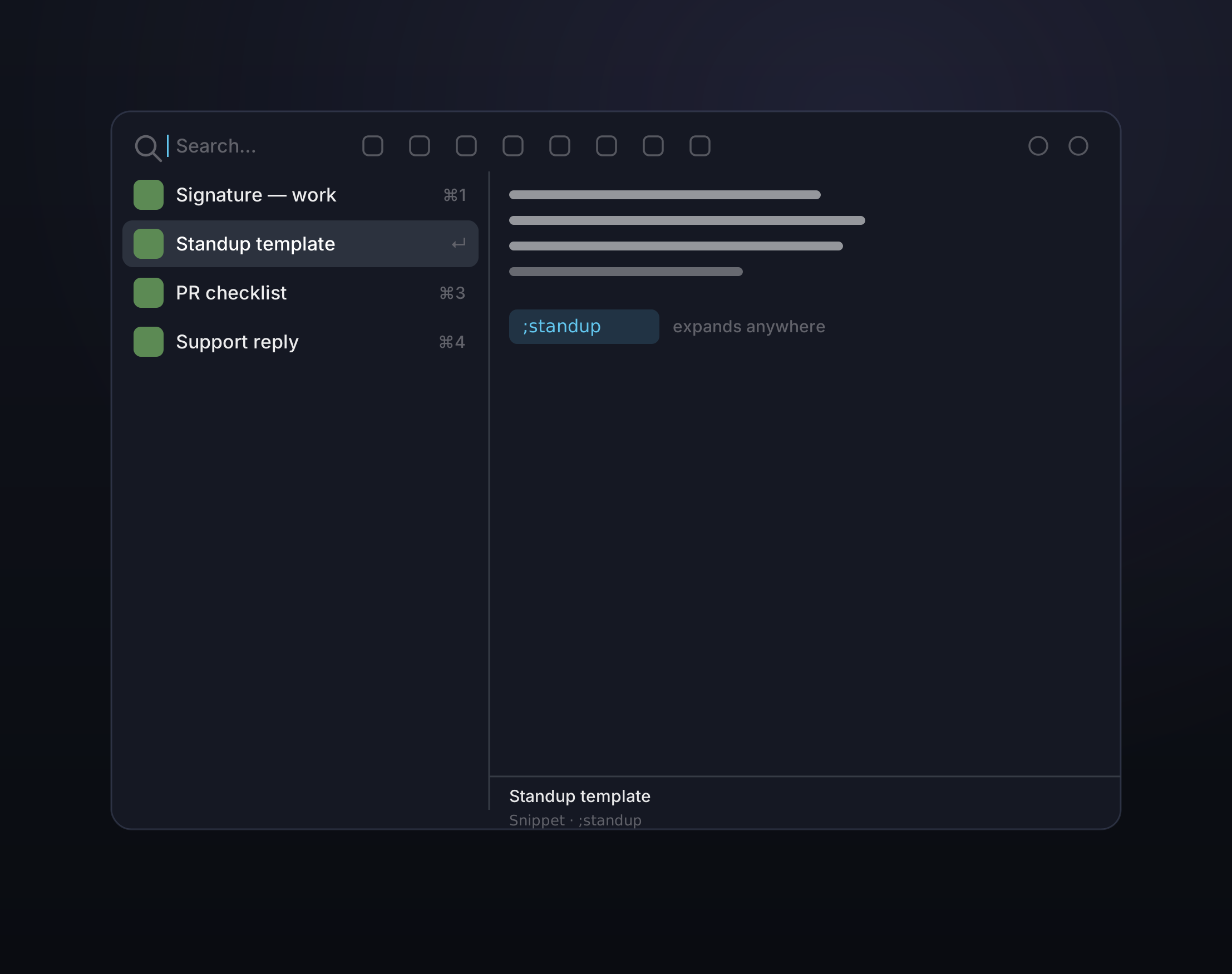
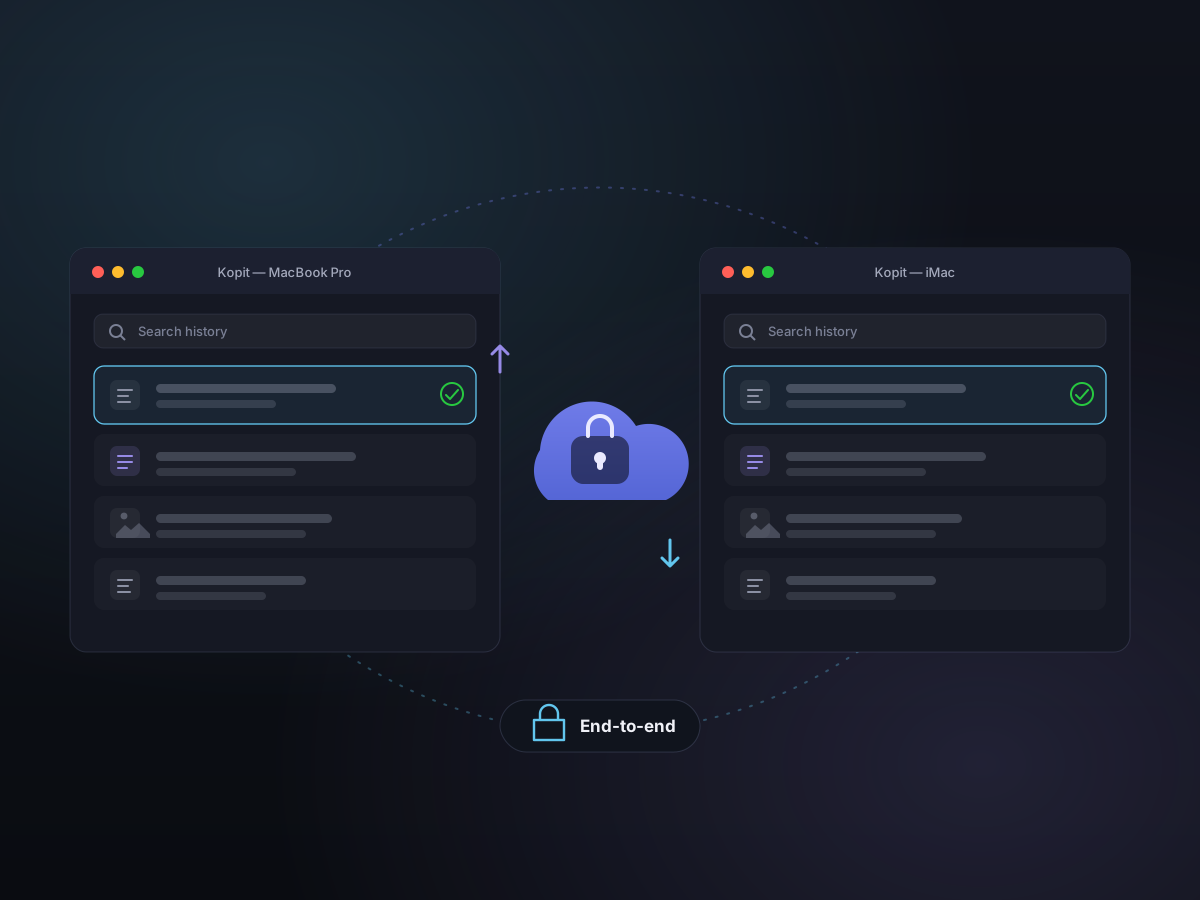
Turn on iCloud sync and the history you build on one Mac shows up on the others — the same clips, Snippets, pins, and edits. It runs through your own iCloud, encrypted so Kopit can't read it, and stays off until you switch it on.
Keyboard-first
From summon to paste, every action has a shortcut — and the main ones are yours to customize.
Press Command-Shift-V from anywhere — that's just the default, change it to whatever you like. Screenshots, recording, and desktop pinning get their own customizable shortcuts too.
Non-activating panel — never steals focus from the app you're working in.
Search, navigate, save snippets, delete, pin, capture, record, expand, and paste without touching the mouse.
Standout
Kopit has grown into a local workbench for the things you copy, capture, reuse, and explain.
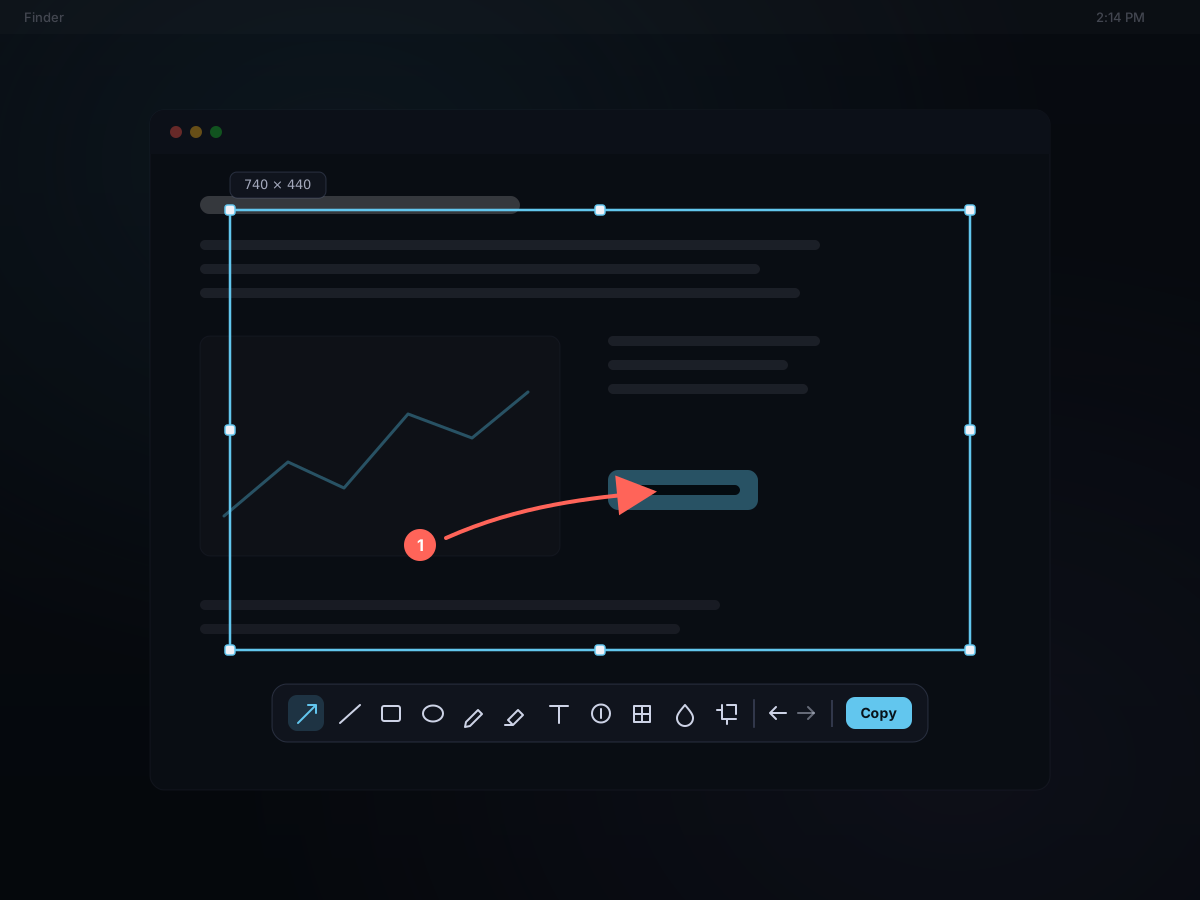
Press ⌘⇧2 to freeze the screen, drag out a region or click a window, then mark it up in place — arrows, text, step badges, mosaic and blur. Copy it, save it, or pin it; either way it lands in your history, searchable by the text inside it.
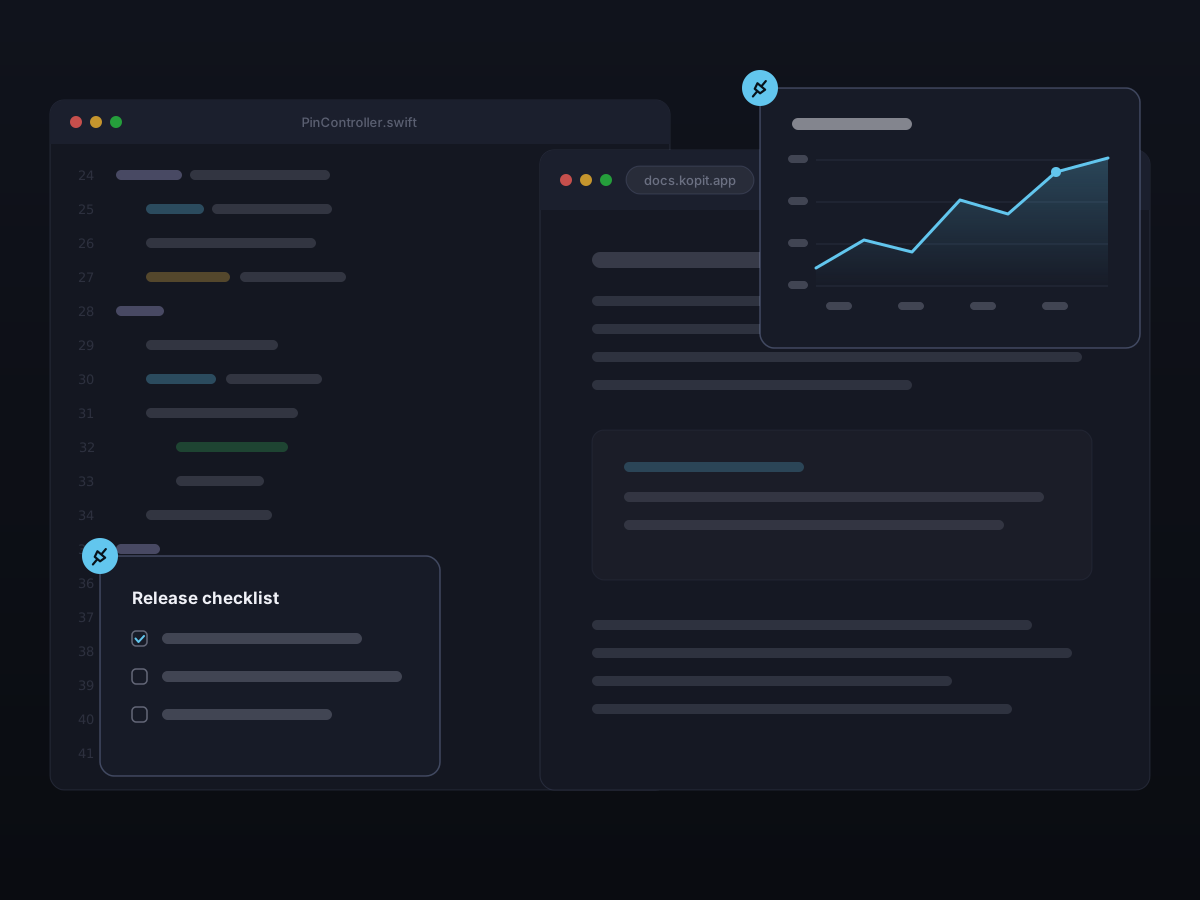
Keep text, an image, a recording, a file, a PDF, or a web link floating on top of everything as a desktop reference. Edit pinned text, zoom and rotate images, play recordings, and browse pinned files, PDFs, and links right in place.
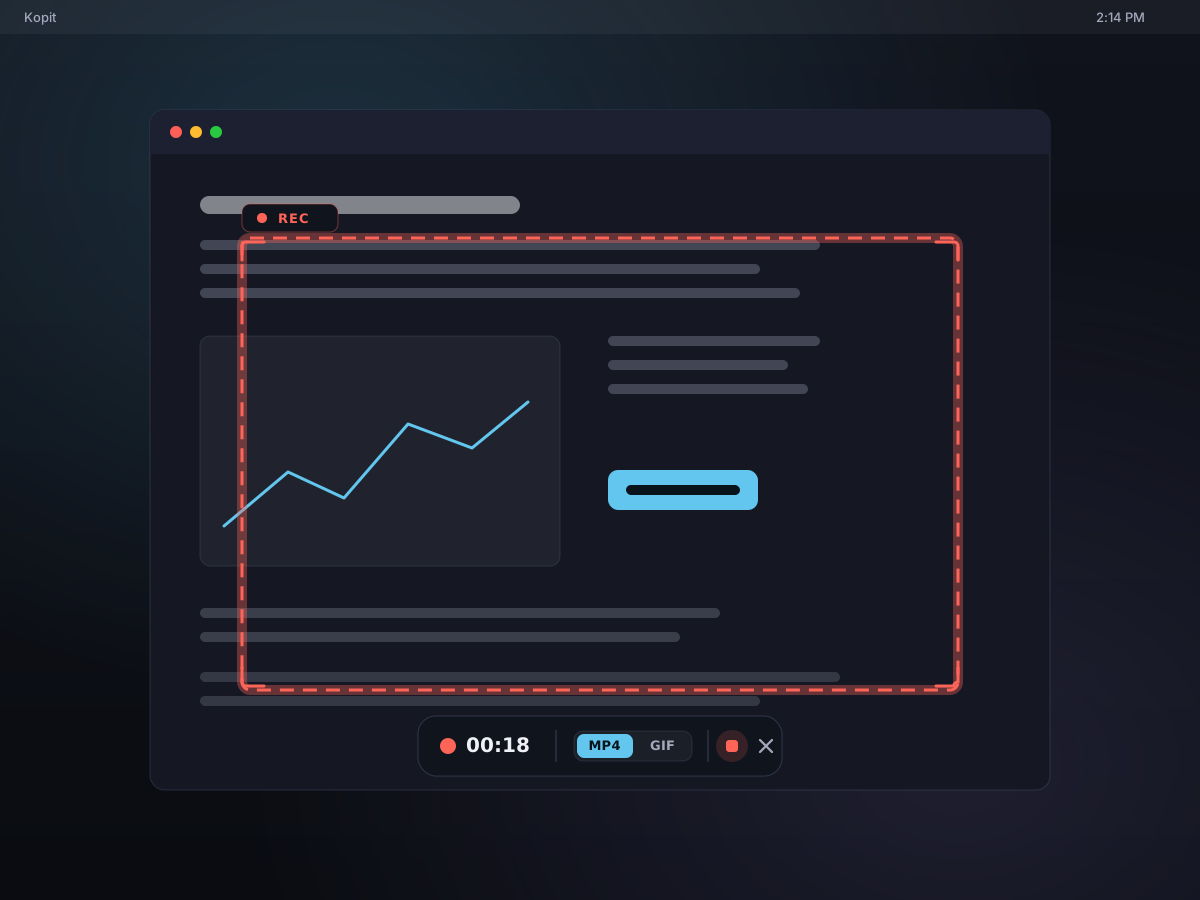
Press ⌃⇧2, drag out a region or pick a window, and record it to a crisp MP4 or a shareable GIF — with your microphone and system audio if you want. A floating control bar keeps the timer, an audio level meter, and the stop button in reach, and the recording lands in your history, ready to paste, play, or pin.
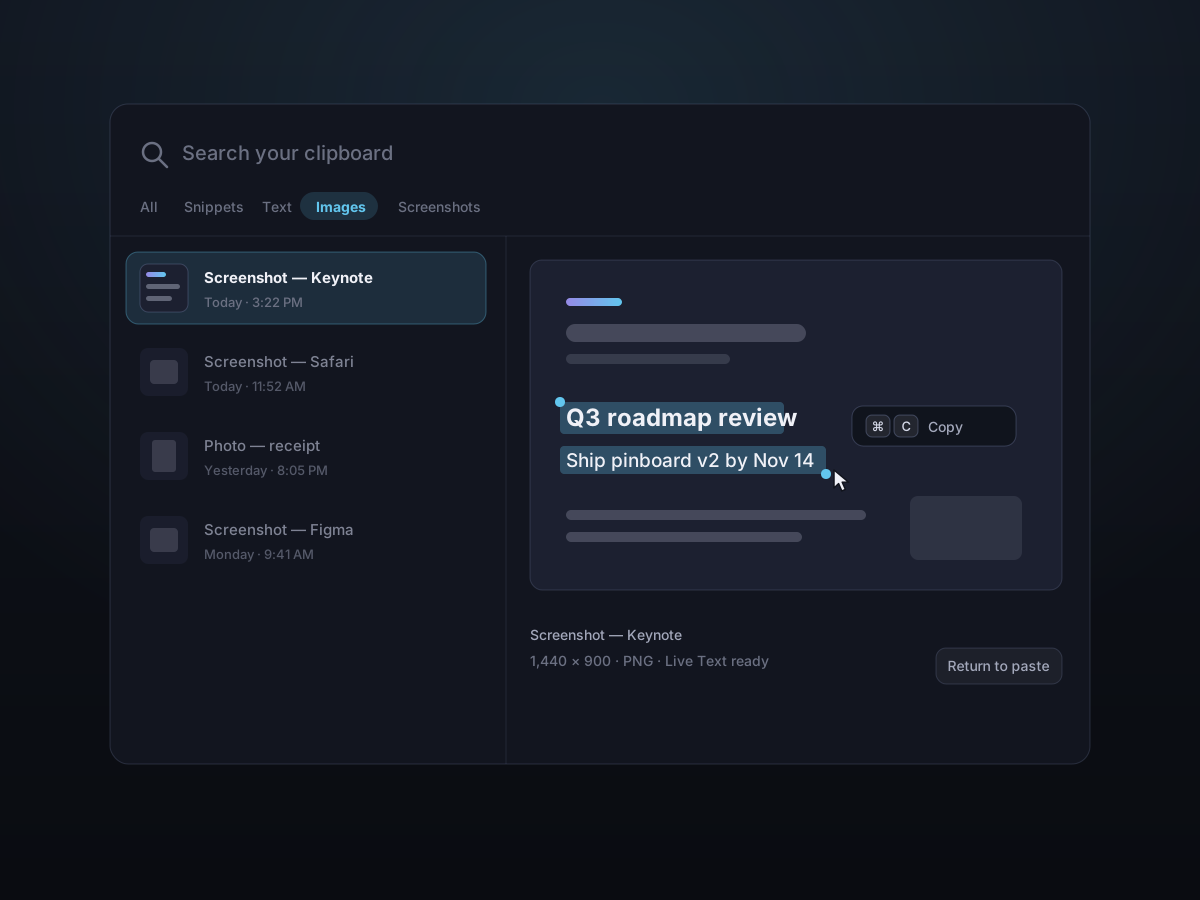
Kopit reads the text inside your screenshots on-device, so you can search for what's in a picture and select it out with Live Text — no retyping, nothing uploaded.
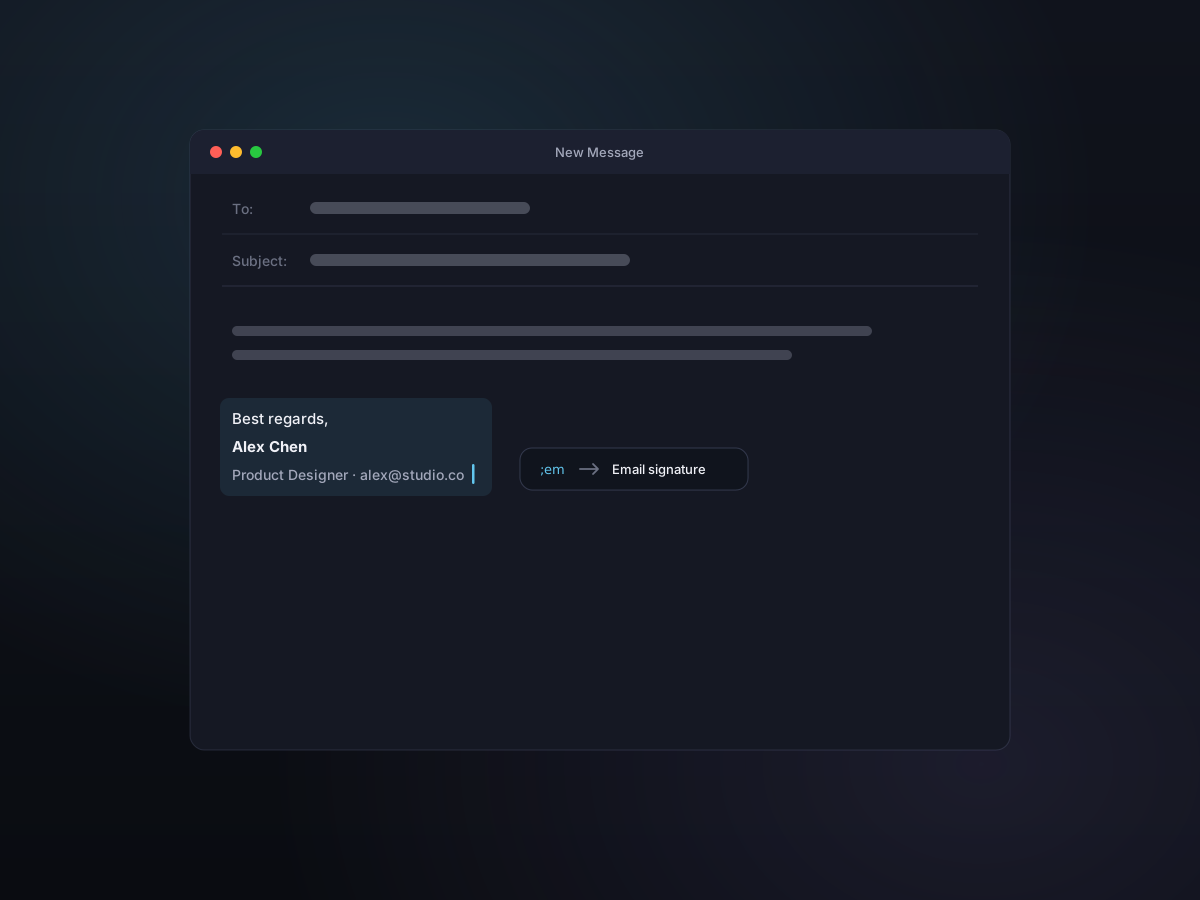
Give a Snippet a short abbreviation like ;em, then type it in any app to drop in your full text — signatures, replies, even images and files. Short text is typed straight in, so it never touches your clipboard.
Privacy & security
Local by default. Turn on sync and it's encrypted so only you can read it — no telemetry, no tracking, no surprises.
Clipboard data, screenshots, OCR results, snippets, and expansion rules stay on your Mac. Nothing leaves your device unless you turn on sync — and there's never any analytics or tracking.
Optional iCloud sync runs through your own iCloud, encrypted so Kopit can't read it — and end-to-end with Apple's Advanced Data Protection.
Skips concealed and transient pasteboard types, pauses when you ask, and avoids password-style secure input flows.
Exclude specific apps from capture. Text expansion also respects those app exclusions.
Customize
Configure appearance, behavior, retention, shortcuts, recording, categories, and expansion to fit how you work.
Use cases
Stack snippets, terminal commands, log lines, screenshots, and recordings — paste or pin them without leaving the keyboard.
Recall hex values, CSS snippets, reference URLs, long captures, and image text between design tools and code.
Keep research quotes, citations, drafts, reusable signatures, and expansion triggers at hand during long writing sessions.
Turn standard replies, product specs, screenshots, demo clips, and recurring details into snippets and fast expansions.
Pricing
Use Kopit free with the full capture toolkit and the last 24 hours of history. Buy once — no subscription, no account — to unlock unlimited history and encrypted iCloud sync across your Macs.
Free
Everything Kopit does — free.
No account or credit card needed
Kopit Pro
Buy once. Yours forever.
Everything in Free, plus:
Secure checkout by Paddle · 30-day refund
Two editions
Kopit ships as two builds of the same app. The one from this site is the complete one. The Mac App Store build runs inside Apple's sandbox and asks for no Accessibility permission at all — which costs it a handful of features. Worth knowing before you pick.
The complete Kopit, straight from us.
Every feature, fixes the day they ship, and 14 days of Pro to try. Notarized by Apple, updated from inside the app.
Download for Macv1.4.2 · 21.6 MBSandboxed, installed and paid for through Apple.
Pick this if you'd rather keep installs and payment with Apple, or your Mac only allows App Store software. A few features can't exist in the sandbox.
Get it on the Mac App StoreFree, with Pro as an in-app purchase| Capability | Direct download | Mac App Store |
|---|---|---|
| Paste back into the app you came from | Return pastes it | Copies it; you press ⌘V |
| Text expansion from abbreviations | Included | Not available |
| Scrolling capture | Auto-scroll and manual | Manual scrolling only |
| Hold ⌘ to snap to a window or element | Included | Not available |
| Double-tap ⌥ to open the panel | Included | Normal hotkeys only |
| Key presses drawn on screen recordings | Included | Not available |
| Updates | In-app, the day a fix ships | After App Store review |
| Free trial | 14 days of Pro | No trial; the free tier has no time limit |
| Files kept in your history | Anywhere, read directly | Sandboxed; access granted per folder |
Same app, same code. All of this is in both editions:
Both editions share one iCloud container, so moving between them later only takes turning sync on. Licences don't carry over, though: the App Store edition unlocks Pro with an in-app purchase, and the serial numbers sold here unlock the direct download.
FAQ
Everything you might want to know before you download.
Kopit is a clipboard manager and capture companion for Mac. It keeps a searchable history of everything you copy, helps you take screenshots and recordings, saves reusable Snippets, expands abbreviations, and lets you find and paste things back in seconds.
Kopit runs on macOS 13 Ventura and later, on both Apple Silicon and Intel Macs. It ships as a single universal build.
Yes. By default everything Kopit captures stays on your Mac — no account, no analytics, no tracking. It skips concealed and transient pasteboard content and avoids secure input fields, so passwords aren't recorded. If you turn on the optional iCloud sync, it runs through your own iCloud and is encrypted so we can't read it.
Yes. Kopit Pro includes an optional iCloud sync that keeps your clipboard history, Snippets, and pins in step across your own Macs. It's off by default, runs through your own iCloud account, and is encrypted so Kopit can't read it — end-to-end when you enable Apple's Advanced Data Protection. Large originals and screen recordings download on demand to save iCloud space, and you can erase everything from iCloud at any time.
iCloud history syncYes. Press ⌘⇧2 to capture a region, a window, or the full screen, annotate it in place, then copy, save, or pin it. Screenshots land in your clipboard history and are searchable by the text inside them — recognized on-device. There's also a scrolling capture for content taller than the screen.
Screenshot & annotateYes. Press ⌃⇧2 to record a region, a window, or the full screen to an MP4 or a shareable GIF. A floating control bar shows the timer and lets you stop or switch formats, and the recording lands in your history — copied and ready to paste, play, or pin.
Screen recordingSave a Snippet, give it an abbreviation like ;em, and type that abbreviation in any app. Short text is inserted directly without changing your clipboard; longer text, rich content, images, and files use a clean paste fallback.
You can limit history by item count and age. Snippets are exempt, so the content you intentionally saved does not disappear during automatic cleanup.
Yes. Kopit is free to try for 14 days with every feature unlocked — no account and no credit card needed. After the trial it keeps working for free with the last 24 hours of history; buy a license to unlock unlimited history and iCloud sync. Upgrading brings your full history right back — nothing is deleted.
No. Kopit is a one-time purchase — pay once and it's yours, with no recurring fees. Checkout is handled securely by Paddle, and your license key is emailed to you right after purchase.
Each license activates on up to 2 Macs by default — great for a desktop and a laptop. You can deactivate a Mac at any time to free up a seat for another one.
Buy once. No subscription.
Keep your copy history, find what you need in seconds, and paste it back without breaking focus.