Pin to desktop
Keep what matters in view.
Pin a piece of text, an image, a recording, a file, a PDF, or a web link as a floating window that stays on top of everything. Park a reference on your desktop, glance at it while you work, and close it when you're done.
⌘⇧PPin the latest item from anywhere (shortcut configurable).

How it works
- 1
Pick something to pin
Pin the most recent item with Command-Shift-P, or pin any item — text, an image, a recording, a file, or a link — straight from the Kopit panel.
- 2
Place it anywhere
The pin floats above your other windows. Drag it where you want and resize it from the edges — it remembers where you left it.
- 3
Use it, then dismiss it
Zoom, copy, play, or edit the content right in the floating window, and close it the moment you no longer need it.
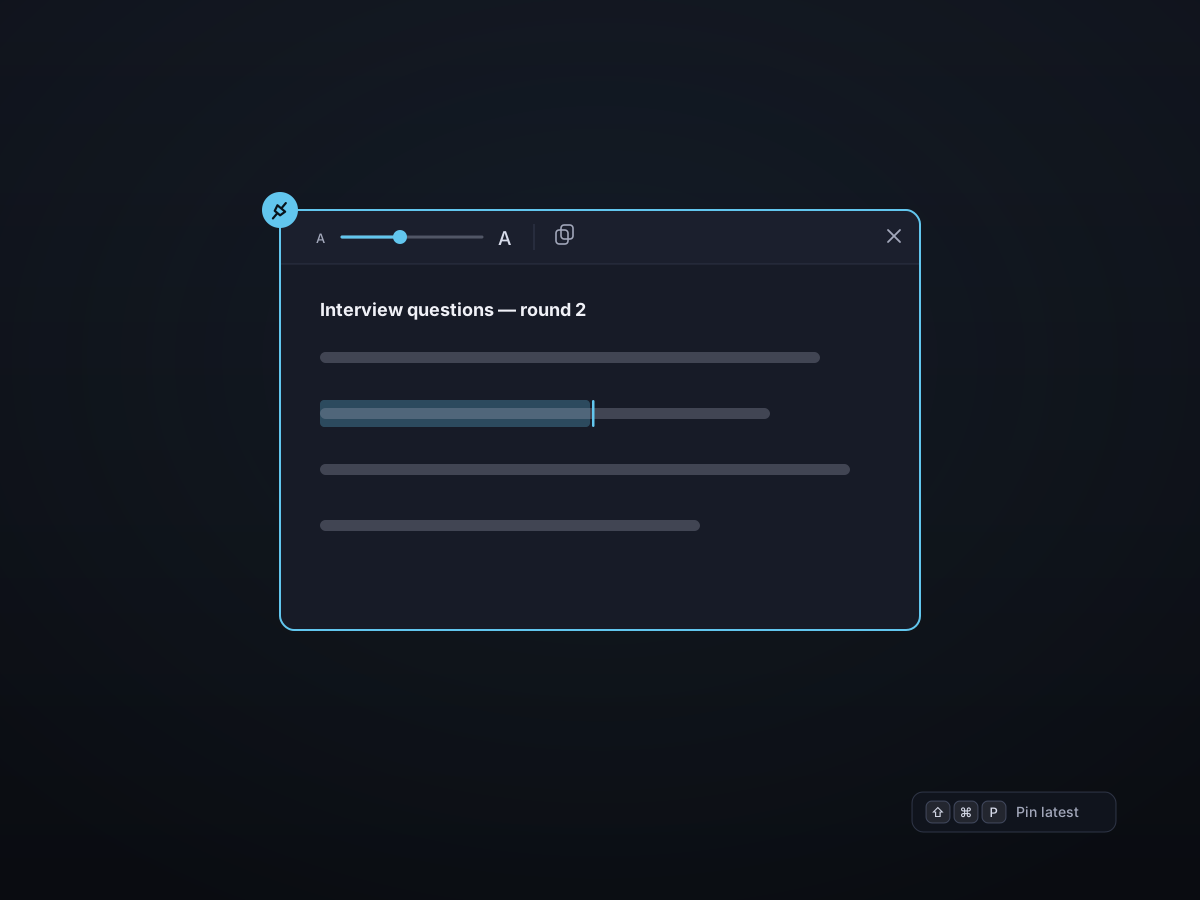
Pinned text you can actually edit
A pinned note isn't a static screenshot. Adjust the font size to taste, edit the text in place, and copy it back out — all from a clean, frosted-glass window that stays out of your way.
- Edit text directly in the floating window
- Scale the font size up or down for readability
- Copy the content back to the clipboard in one click
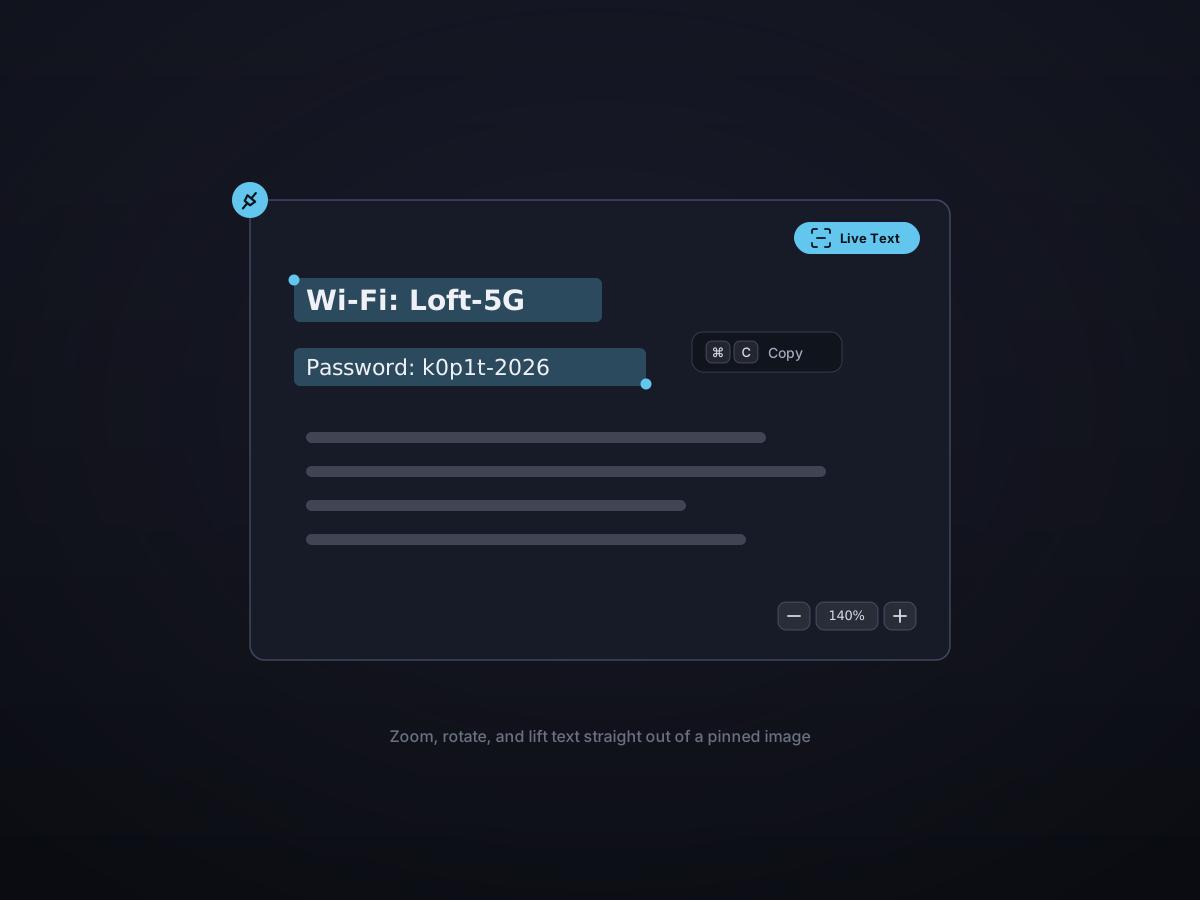
Images with zoom, rotate, and Live Text
Pin a screenshot or reference image and work with it: zoom in for detail, rotate it, and select the text inside the image with Live Text to copy it straight out.
- Smooth zoom from a thumbnail to fine detail
- Rotate to the orientation you need
- Live Text — select and copy text inside the image
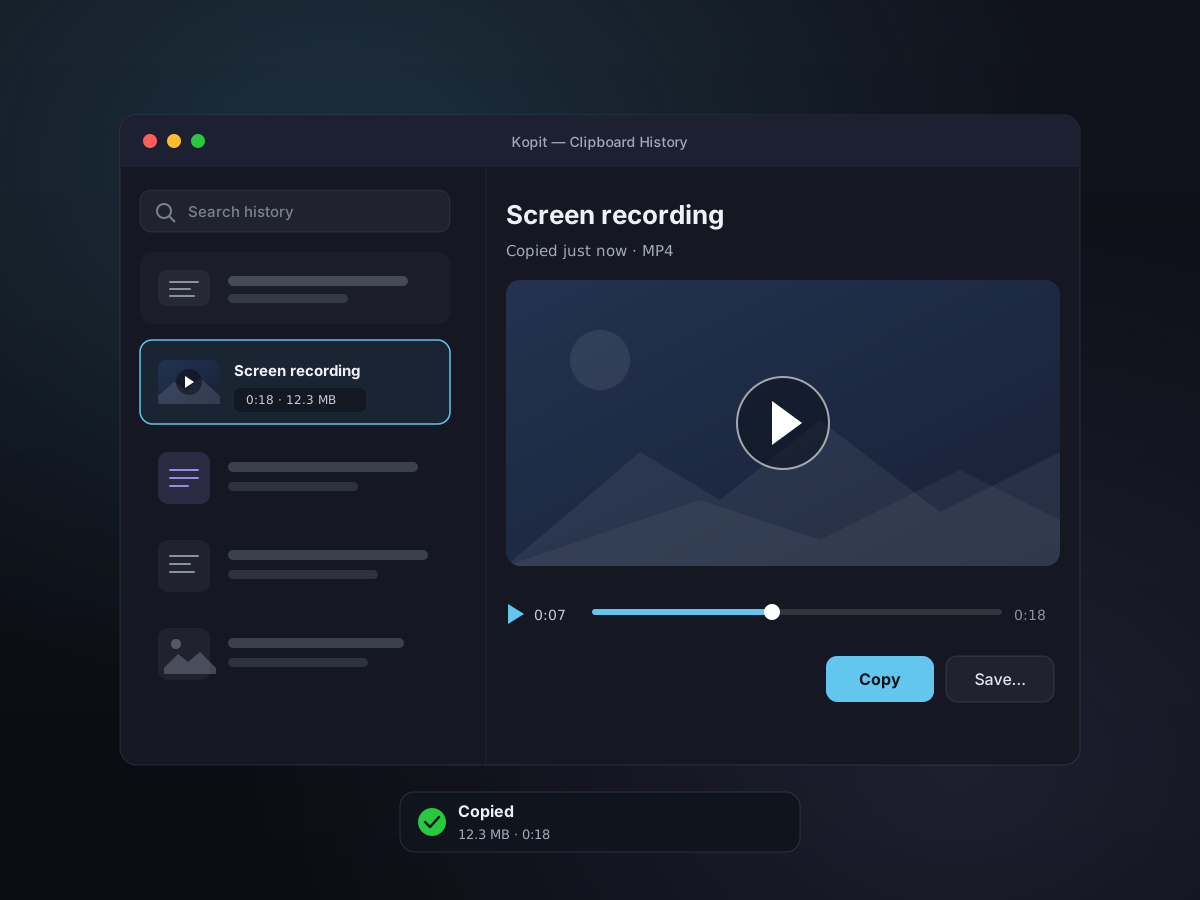
Pin a recording and let it play
Just recorded something? Pin it to the desktop and it plays right there in the floating window. MP4s get play, pause, and a scrubber; GIFs loop on their own — a handy reference to keep in view while you follow along.
- Play, pause, and scrub pinned MP4 recordings
- GIF pins loop automatically
- Great for following a demo while you work
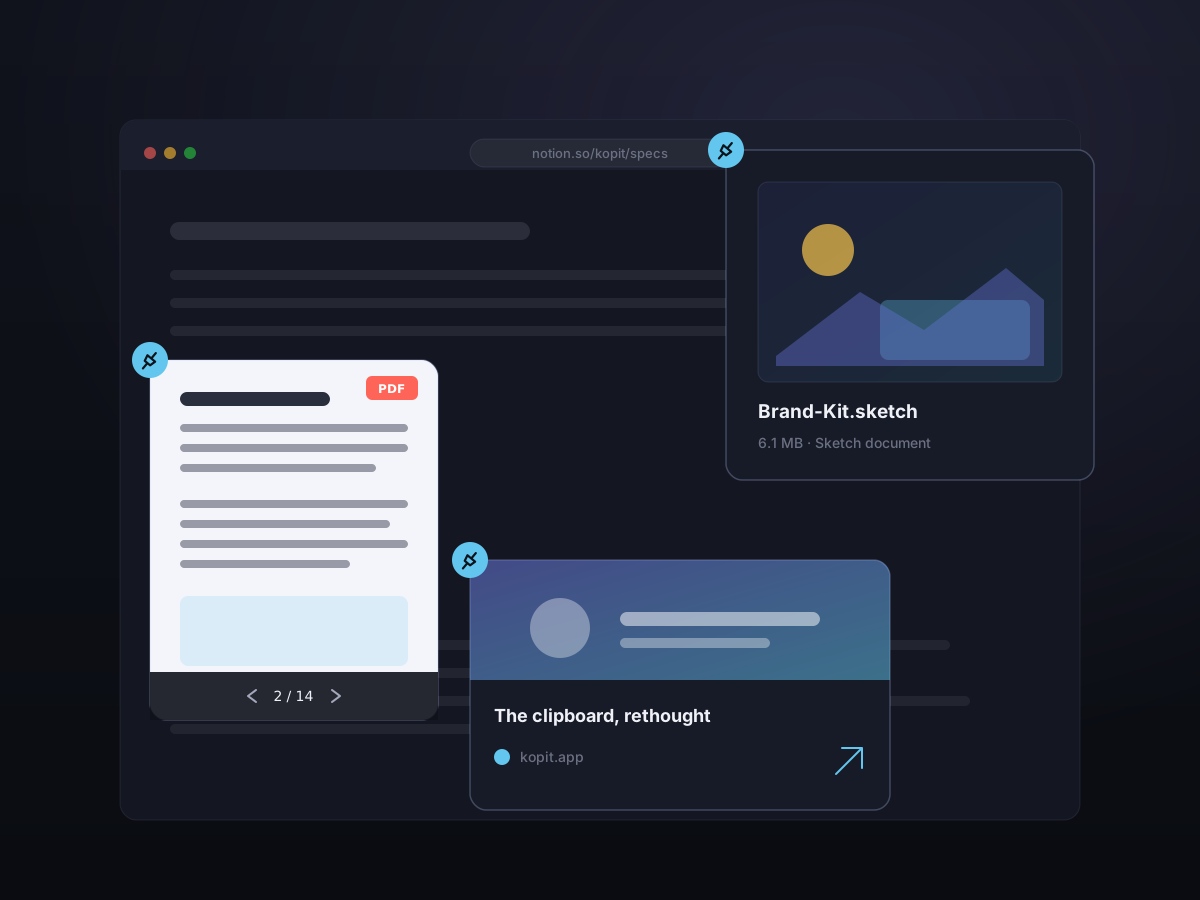
Pin files, PDFs, and web links
Pins aren't just text and images. Drop a file onto your desktop as a tidy Finder-style card with its QuickLook thumbnail, name, and size; pin a PDF and page through it right there; or pin a web link as a live sticker you can open and preview without switching apps.
- Files pin as Finder-style cards — thumbnail, name, and size
- Page through a pinned PDF without opening it
- Web links become interactive stickers you can browse
- Resize and move every sticker with a drag
Always there, never in the way
Pins float above your apps so a reference is always one glance away, while the toolbar tucks itself away after a moment so nothing distracts from the content.

Good to know
- Pin shortcut
- Command-Shift-P (pin latest, configurable)
- What you can pin
- Text, images, recordings, files, PDFs, and links
- Latest update
- Files, PDFs, and interactive web-link stickers now pin too (July 2026)
- Text pins
- Editable, resizable font, copy back out
- Image pins
- Zoom, rotate, Live Text extraction
- Recording pins
- Play, pause, and scrub MP4; GIFs loop
- Files & PDFs
- Finder-style cards; page through PDFs in place
- Window
- Floating, draggable, resizable, remembers position
- Toolbar
- Auto-hides so the content stays front and center