Colors
Copy a color once. Get it in any format.
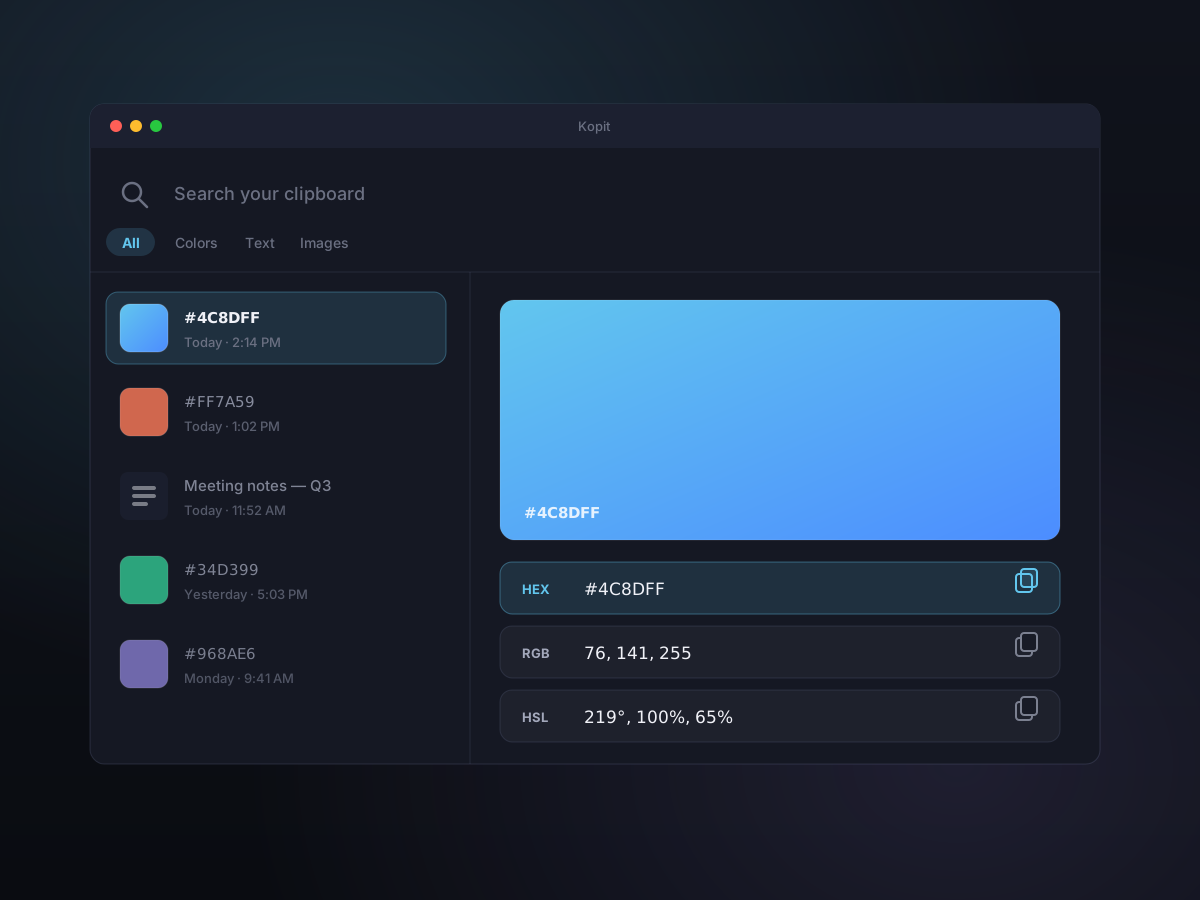
When you copy a color, Kopit recognizes it, shows it as a swatch in your history, and hands you the value in HEX, RGB, or HSL — whichever you need, one click to copy. And when you annotate a screenshot, the same colors are a picker away.
How it works
- 1
Copy a color anywhere
Grab a hex value from your code, a color from a design tool, or a swatch from the web. Kopit detects that it's a color and files it in your history as one.
- 2
See it, not just the code
The preview pane shows a big swatch so you know exactly what you copied — no more pasting a hex string just to check the shade.
- 3
Copy it in the format you need
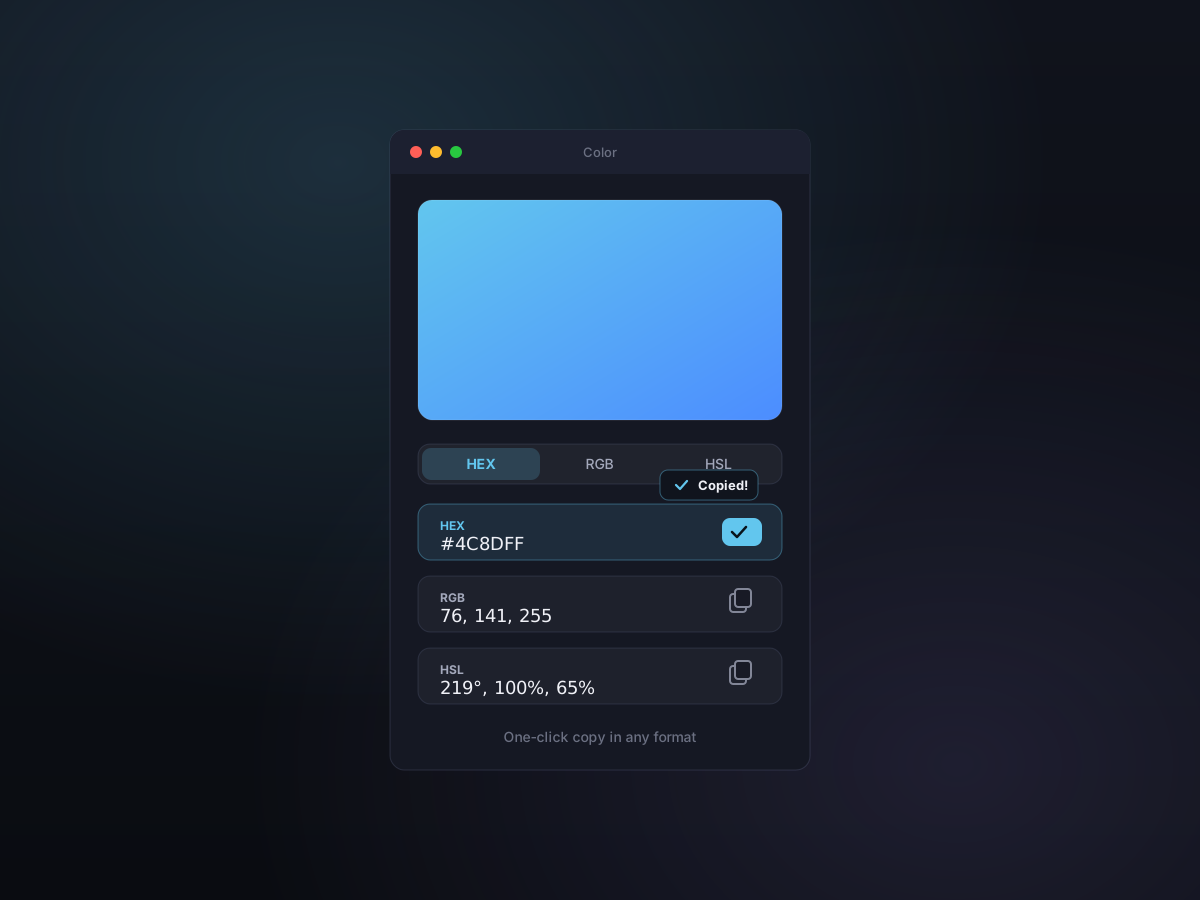
Grab HEX for CSS, RGB for a design tool, or HSL to tweak a shade — each is one click, and it's back on your clipboard.
HEX, RGB, and HSL — one click each
No mental math, no converter tab. Kopit shows every copied color in all three formats at once, each with its own copy button. Grab the one your tool wants and keep moving.
- HEX for CSS and design handoffs
- RGB for image editors and canvas work
- HSL for nudging hue, saturation, or lightness
- The swatch travels with the value in your history
A real color picker, right on the markup
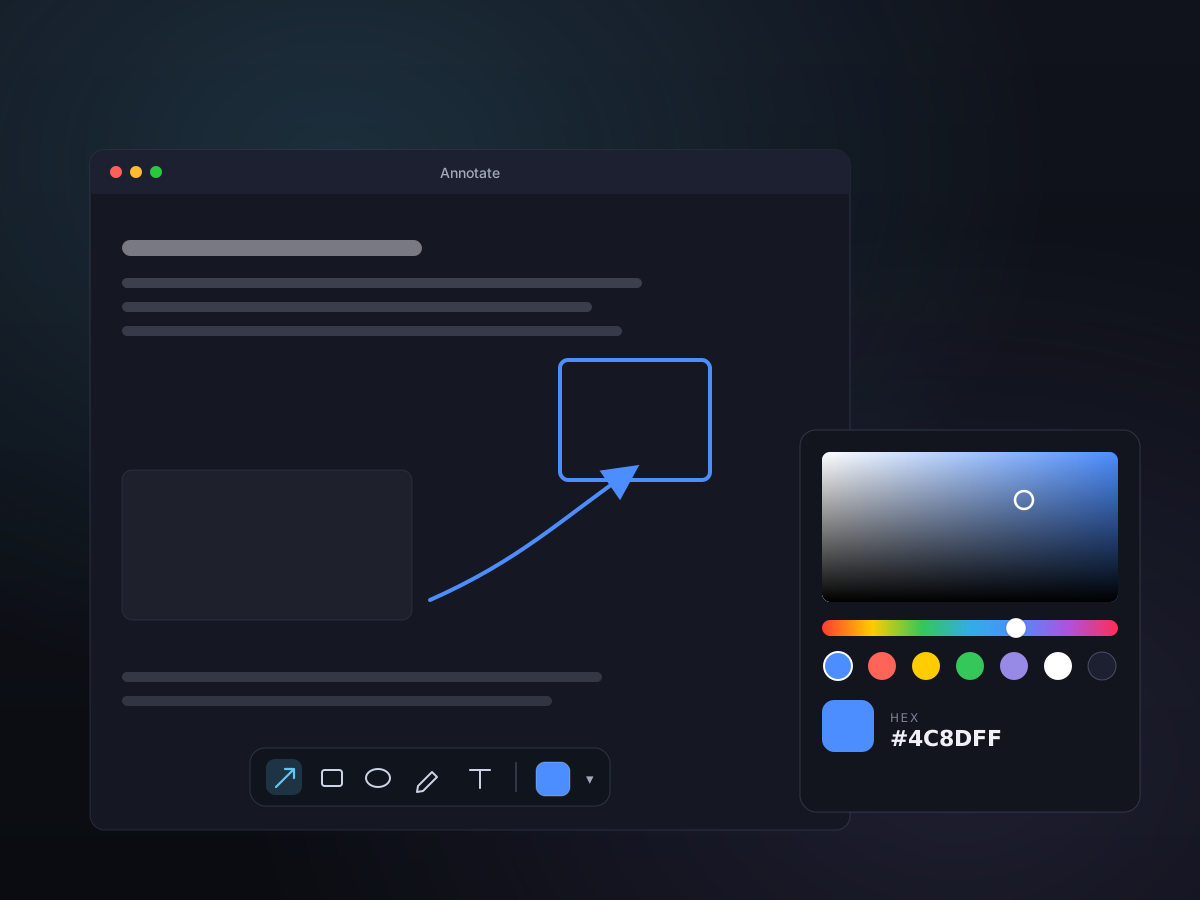
In the annotation editor, every tool has a full color picker — a hue slider, a saturation field, and preset swatches. Recolor an arrow, a highlight, or a text label until it reads clearly against the screenshot.
- Hue slider, saturation field, and preset swatches
- Applies live to the selected annotation tool
- Adjustable line width and opacity to match
- Pairs with the on-screen text and shape tools
Good to know
- Formats
- HEX, RGB, and HSL — copy any one
- Recognition
- Copied colors are detected and filed automatically
- Latest update
- Color swatch and annotation picker story added July 5, 2026
- Preview
- Large swatch in the preview pane
- Filter
- Find colors fast with the type: filter
- Annotation picker
- Hue slider, saturation field, and presets
- Storage
- Local — nothing leaves your Mac